
Subscribe to discover Om’s fresh perspectives on the present and future.

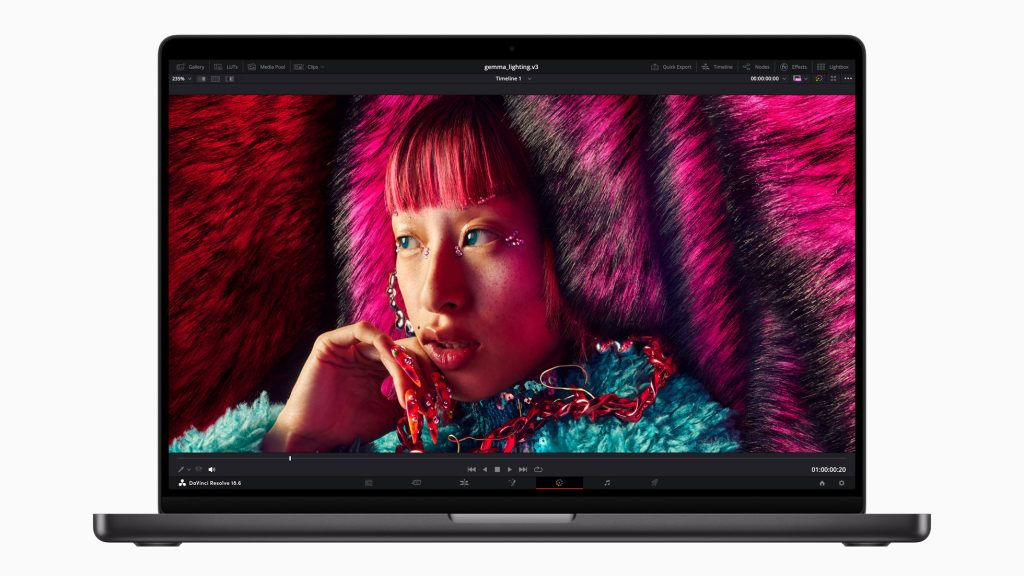
A week after Apple announced its M3 Chip, it unveiled a range of computers powered by this latest version of Apple Silicon. As previously explained, with the M3 chips, Apple has finally embraced a shift toward ‘artificial intelligence,’ a move that has long-lasting implications for computing.
In addition, Apple announced a new “Space Black” color. I received a review machine in the new color this past week and have been slowly putting it through its paces. The 14-inch MacBook Pro machine I have for review is powered by an M3 Max chip with 16 CPU cores (12 performance and four efficiency) and 40 GPU Cores. It has 64 GB of unified memory and 2TB of storage. With these specs, this MacBook is going to cost $4300.
As a comparison, I have an M1 Max 16-inch MacBook Pro that cost me an extra $1000. I still use it, but I have considered replacing it with a more portable and lighter machine. I love the 13-inch MacBook Air for its reasonable price, excellent battery life, and lightweight. However, for me, a 14-inch MacBook Pro is a Goldilocks machine. I came to that conclusion after a review from the perspective of a photographer.
I took it on a trip to Greenland, Iceland, and a short visit to Wyoming. I was going to publish that review before Apple dropped the new M3 machines and sent me a new unit.
As you know, I am an iPad-first person — I only use my laptop and desktop for my digital darkroom needs. iPad has replaced my Kindle and is my on-the-go “television” and “sound system.” It is where I do all my reading. The iPad is where I think out loud, draw sketches, and generally waste my “digital time.” What I don’t do on my iPad — edit photos. For that, I use a MacBook and a Mac Studio.
So far, I have been lugging around the 16-inch MacBook Pro, but that will change. Whether it’s M2 or M3 doesn’t matter. I like the 14-inch MacBook Pro form factor, especially compared to the 16-inch machine, which is a backbreaker. When someone’s lugging around heavy camera gear, every pound feels ten times heavier. That’s why I hated carrying the 16-inch MacBook Pro. As a fan of the iPad, I am waiting for a version of Adobe PhotoShop that enables me to do what I do with the desktop version of the software and all the plugins I use.

As a photographer who often uses Adobe Photoshop to edit on the road, I need a powerful machine with a high-resolution screen and solid battery life. The 14-inch MacBook Pro checks those boxes. Sure, the battery life isn’t as stellar as the “MacBook Air,” but I like the availability of extra ports and, most importantly, the SD card slot. As a photographer, I can’t underscore the importance of the “SD Card Slot” as it makes it so easy to carry one less thing when on the go.
However, for me, the screen is the clincher. Apple says the “Liquid Retina XDR display” has “an exceptional 1000 nits sustained, and 1600 nits of peak brightness for HDR content” and “SDR content is now displayed at up to 600 nits.” Those numbers don’t mean less to me than what my eyes tell me —- it allows me to use the new HDR feature of Adobe Camera Raw to dig into the many degrees of gray in my photos. I can do this at home on my big screen XDR display, and I can do that on the road — that is all I care about.
In addition to this beautiful screen, the laptop has an excellent camera for video calls, has great speakers, and delivers impressive sound. The “M2 Pro” version of the 14-inch MacBook Pro made me fall out of love with my 16-inch machine.
As a computing platform, honestly, I couldn’t tell the difference in performance between Adobe Photoshop, Lightroom, and CaptureOne on my 16-inch M1 Max or the M2 Pro 14-inch machine. Benchmark tests show a difference, but honestly, I couldn’t tell the difference — though I could tell that fans would come on more often on the 16-inch M1 Max machine. Moreover, even the “AI” tools, especially my local install of Stable Diffusion, performed slightly better.
I was getting ready to trade in my 16-inch machine for a 14-inch MacBook Pro when Apple announced the M3 version of the machine. Since I am already sold on the form factor, I know I will be upgrading regardless. But before I do, I want to put the new machine through its paces. And while I am not in the habit of repeating features and giving quick impressions, I don’t think I will wait too long before placing an order.
What do I think about the new M3 MacBook Pro?
It is faster than my M1 Max, although the extent of its speed—my eyes and brain can’t perceive it. It is even harder to tell the difference between the M2 MacBook Pro I just returned to Apple.
I usually run Adobe Bridge, Photoshop, and Capture One all at the same time, and I’ve been doing that on the new machine—the fans have not come on even once since I set it up. Even with various AI tools and apps running constantly, the machine runs cooler. This is where I notice the difference—suddenly, MacWhisper is performing faster, as is Stability when creating tools. A couple of other custom apps also run slightly faster—without causing the machine to warm up. Admittedly, I have not been able to assess the battery life — as I have mostly worked from home this past weekend.
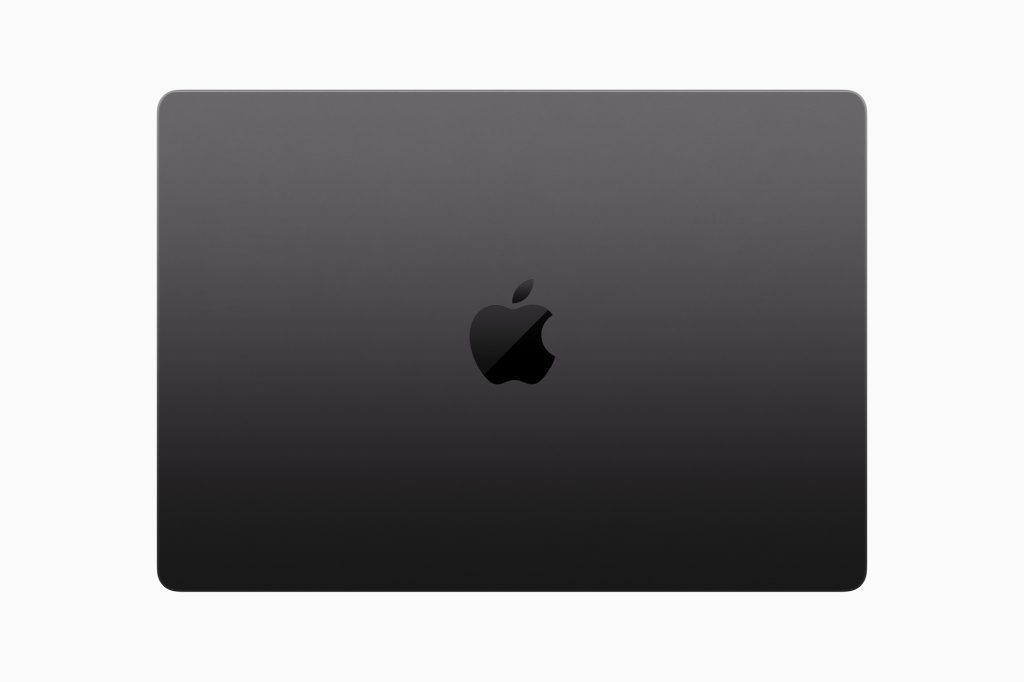
On the physical appearance of the machine — I like the Space Black color, but boy, is it a smudge magnet. First, it is not really black — it is more like a very dark gray color with a metallic sheen. As someone who hates smudges, this annoyance might prevent me from opting for this color. Is it as bad as a Midnight Blue MacBook Air? No. But it is still an annoyance. However, that’s my issue — regular people — probably won’t notice or care.
Another pet peeve of mine is an unmatched accessory. Apple has included a black charging cable, but the charging brick is still “white.” This is so off-putting and annoying. Thank god, I have a Nomad Goods’ 130W Power Adapter in Carbide color. It is a perfect match for this Space Black MacBook Pro.
After less than 72 hours of using the new machine, I can safely say that if you are still using an Intel machine, now is an excellent time to upgrade — this is a significant upgrade and worth the dollars. If you have an M2 MacBook Pro, don’t bother upgrading unless you are looking for a “Space Black” device to match your clothes, car, or interiors. If you are an A1 developer or doing some hardcore video production and special effects, don’t wait even a second.
November 6, 2023. San Francisco
Notes:
Additional Reading:
Comments are closed.
For a price conscious shopper M1 Max would be more affordable option than going with M2 or M3 Max for average every day use and any average difficulty music/photo&video edits. But if you really need some serious Mac desktop power in a laptop, then go for it: The Apple M3 Max 3nm Chip (16 CPU cores (12 performance, four efficiency) and 40 GPU cores & 128GB). It’s a tank on steroids in your backpack…
Indeed. If you don’t do any massive PhotoShop or big Video editing projects even a M1 MacBook Air is good enough. However, M1Max 14-inch is a pretty nifty device — as long as you have 64GB of memory.